Data to Decision
A comprehensive series dedicated to transforming your Excel skills. Whether you’re a beginner or an advanced user, this series is tailored to help you navigate through the complexities of Microsoft Excel with ease. Our focus is on real-life scenarios, providing practical solutions to the challenges you face in data management at work.
-

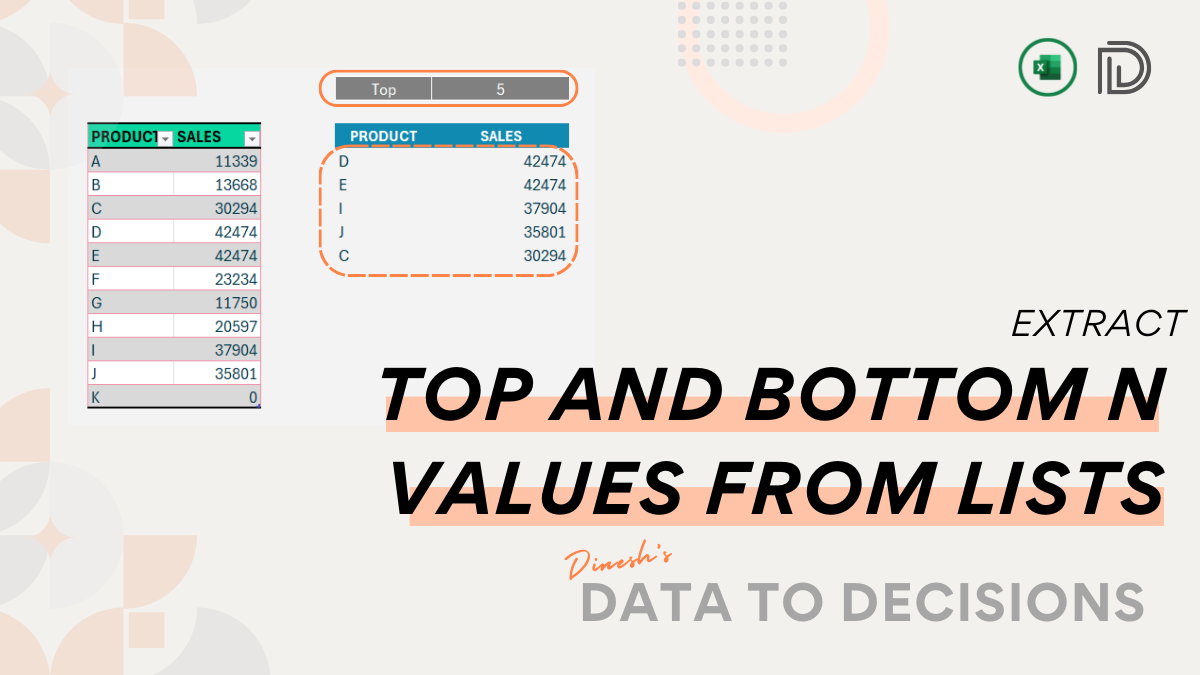
How to Extract Top/Bottom N Values from Lists in Excel?
Learn to effortlessly extract the top or bottom N values from your lists in Excel with this post. Elevate your Excel skills and gain…
-
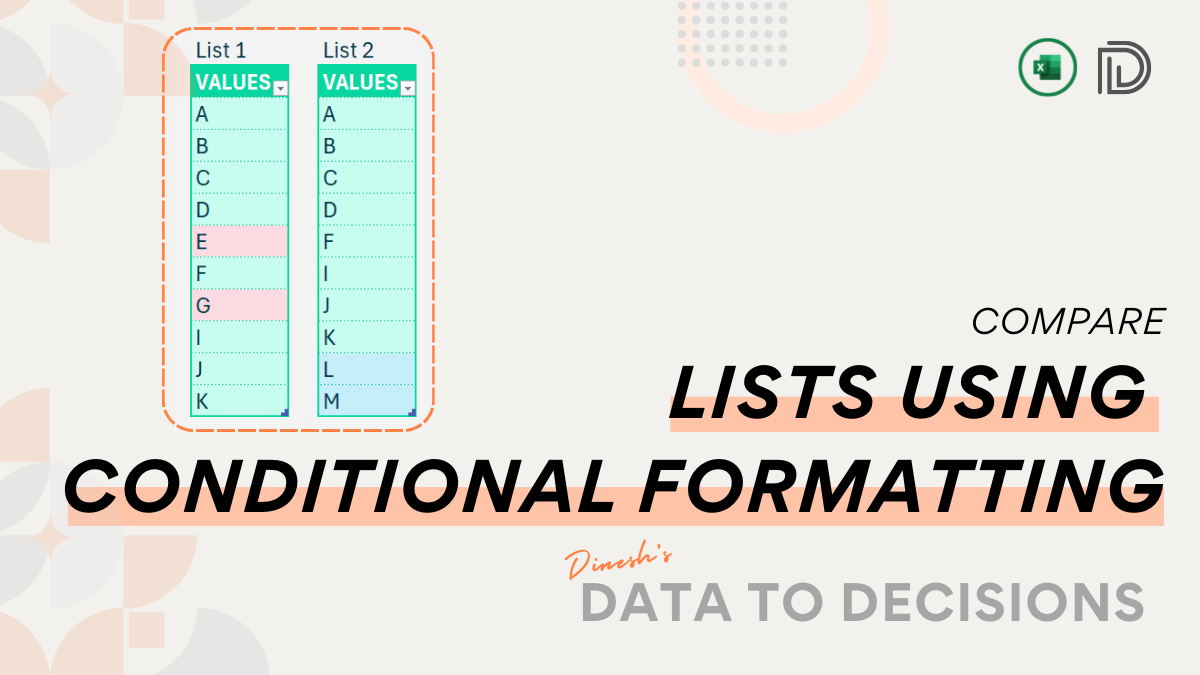
How to Compare Two Lists using Conditional Formatting in Excel?
Using conditional formatting, learn to quickly compare two lists in Excel. An extremely useful technique when you want to highlight changes in the source…
-
How to Compare Two Lists Using Formulas in Excel?
Discover the quickest and easy-to-follow technique to compare two lists in Excel using simple Excel functions in this post.
-
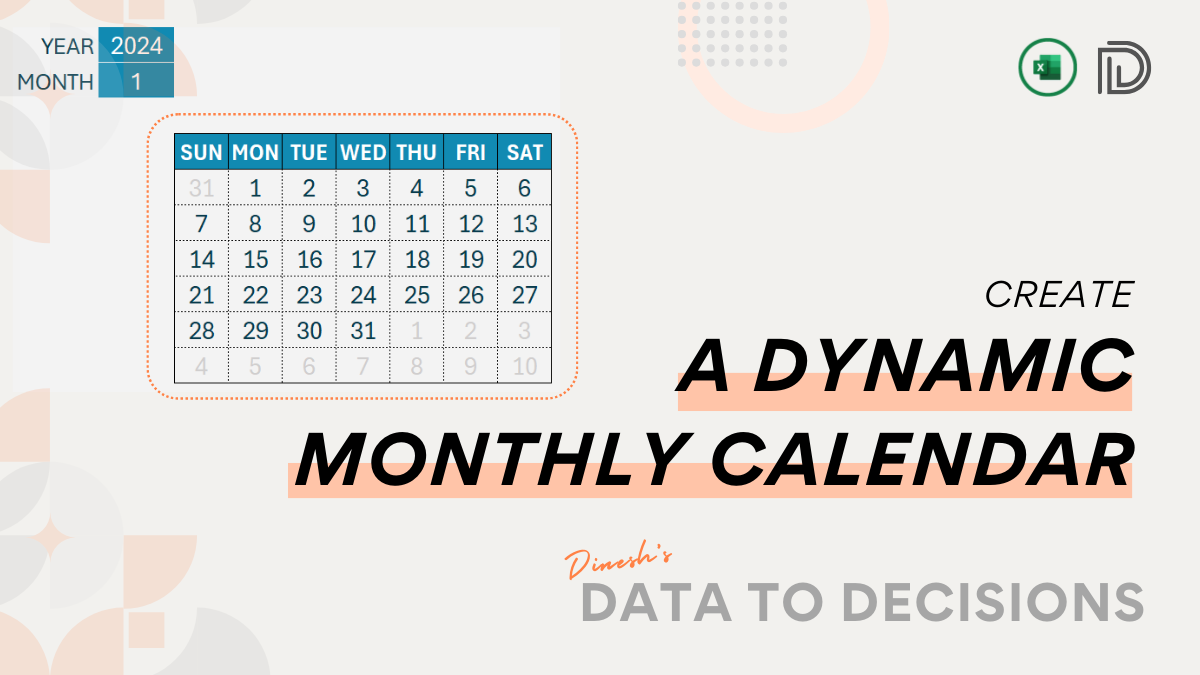
Create a Dynamic Monthly Calendar with a Single Formula in Excel
With a single formula, you’ll learn to create a dynamic monthly calendar instantly in Excel through this post
-
Generate the First Sunday of the First Week of a Month in Excel.
Learn to generate the first Sunday that occurs on the first week of a month with simple Excel formulas through this blog
-
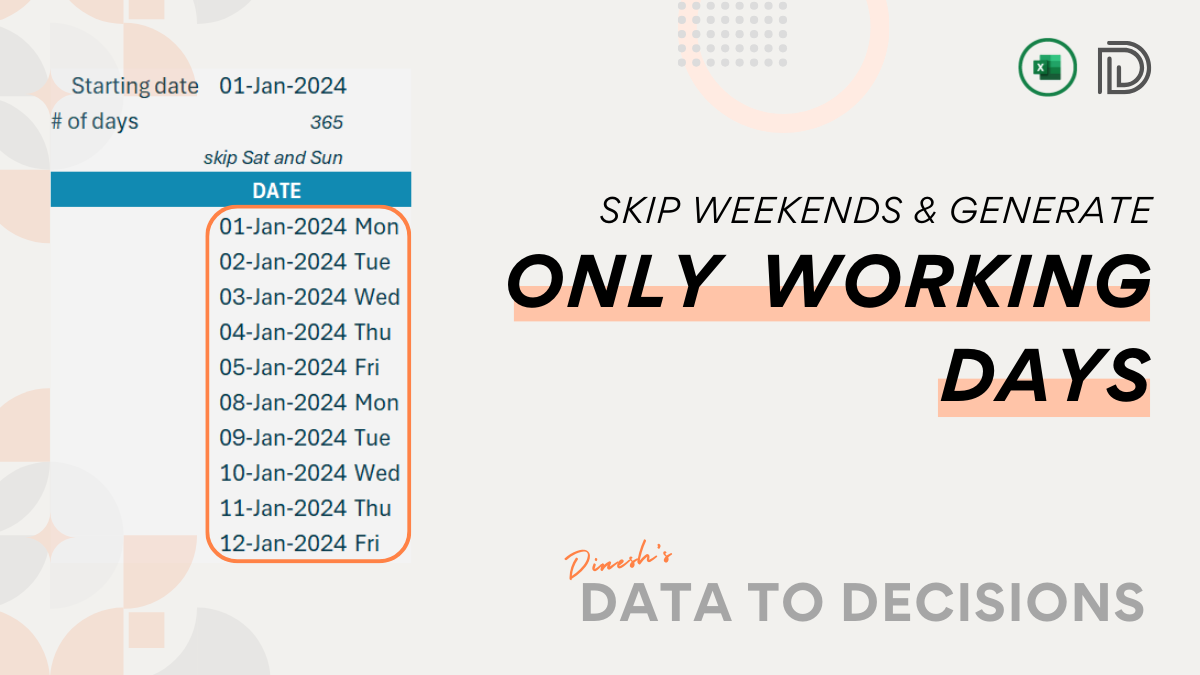
How to Skip Weekends and Generate only Working Days in Excel?
Using Excel’s simple yet powerful functions like WEEKDAY, SEQUENCE and FILTER, learn how to skip weekends and generate only working days
-
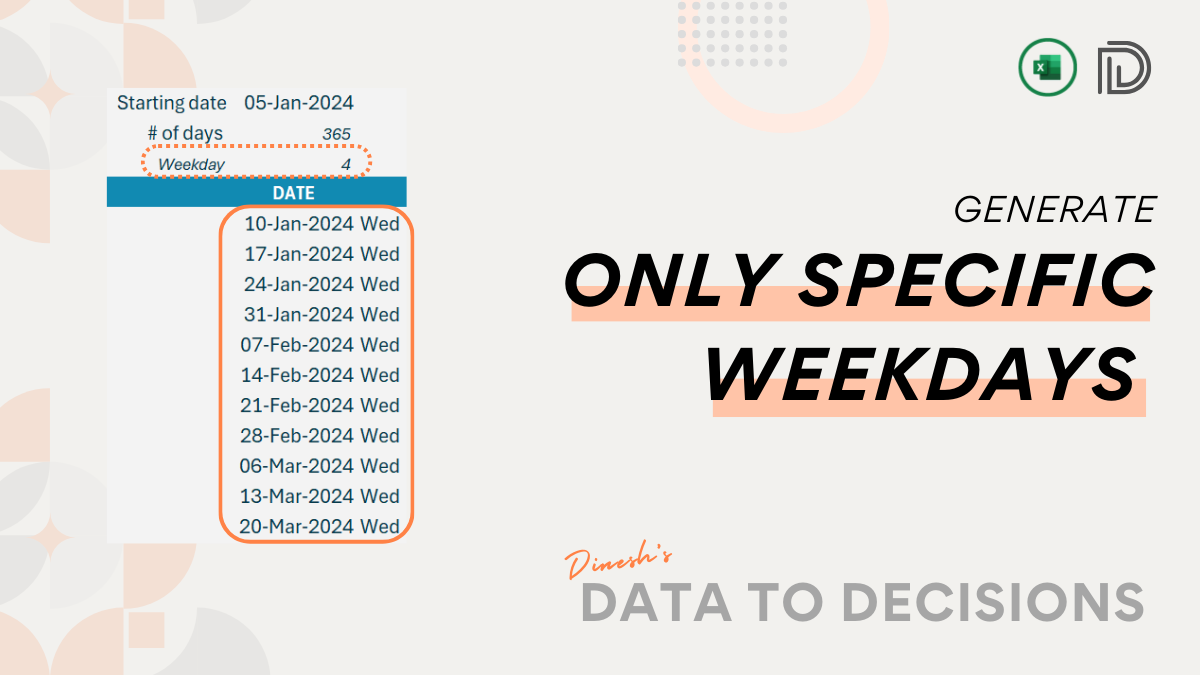
How to Generate Only a Specific Weekday in Excel?
Learn to generate a specific weekday of a week using simple Excel functions like WEEKDAY, FILTER and SEQUENCE from this post
-
How to Generate every Nth Day of a Week in Excel?
By employing the SEQUENCE function in Excel, learn the simplest method to generate every nth day from a given date
-
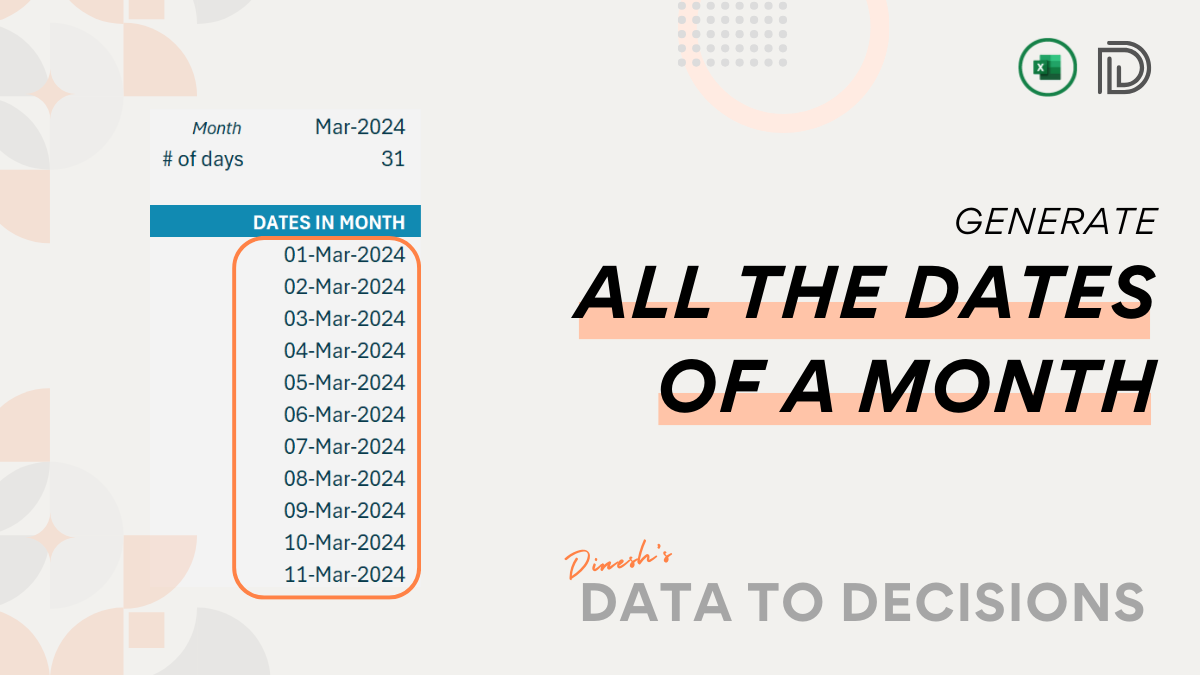
Generate all the Dates of a Month in Excel
Learn the quickest way to generate all the dates of a month using simple Excel formulas through this post.
-
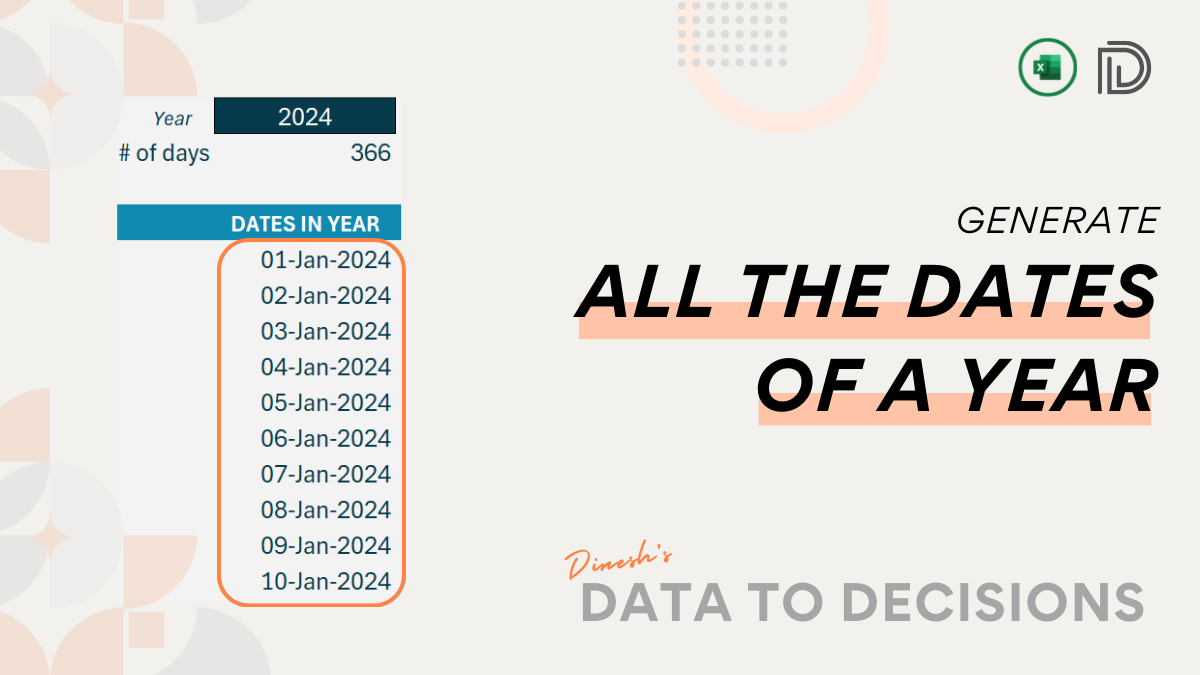
How to Generate all the Dates of a Year in Excel?
This post shows how to use the SEQUENCE, and DATE functions in Excel to generate all the dates for an year.