Data to Decision
A comprehensive series dedicated to transforming your Excel skills. Whether you’re a beginner or an advanced user, this series is tailored to help you navigate through the complexities of Microsoft Excel with ease. Our focus is on real-life scenarios, providing practical solutions to the challenges you face in data management at work.
-

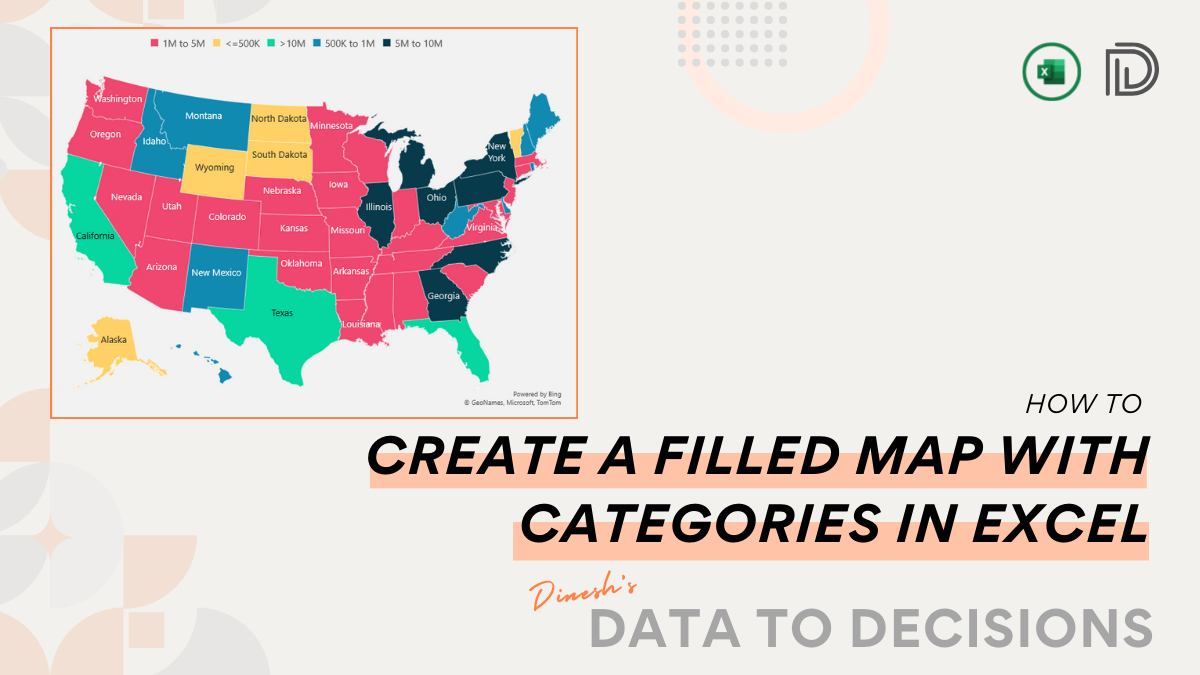
Learn to Create a Filled Map with Categories in Excel
Embark on a journey of visual discovery with our tutorial on creating a filled map with categories visuals in Microsoft Excel with this blog!
-
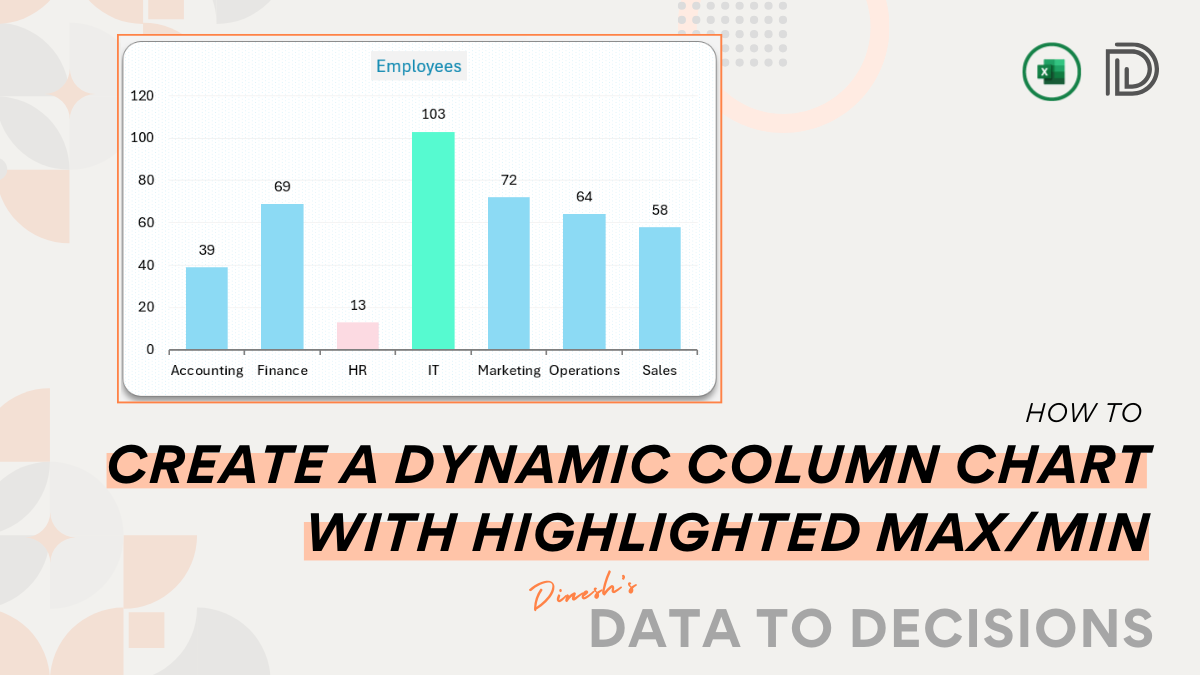
Create a Column Chart that Highlights the Maximum/Minimum Columns
Discover the technique to highlight maximum and minimum value columns in your Excel column charts with this blog post from Data to Decisions.
-
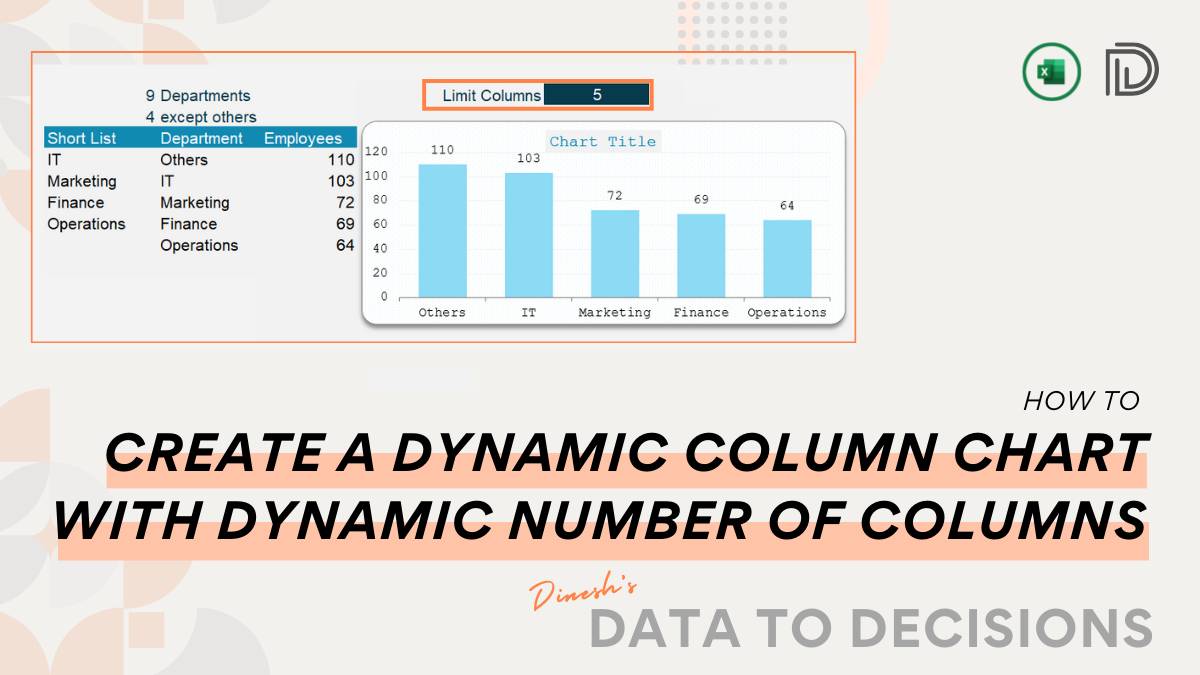
How to Create a Column Chart with Dynamic Number of Columns?
Master the flexibility of Excel for visualization with our blog on creating column charts with a dynamic number of columns.
-
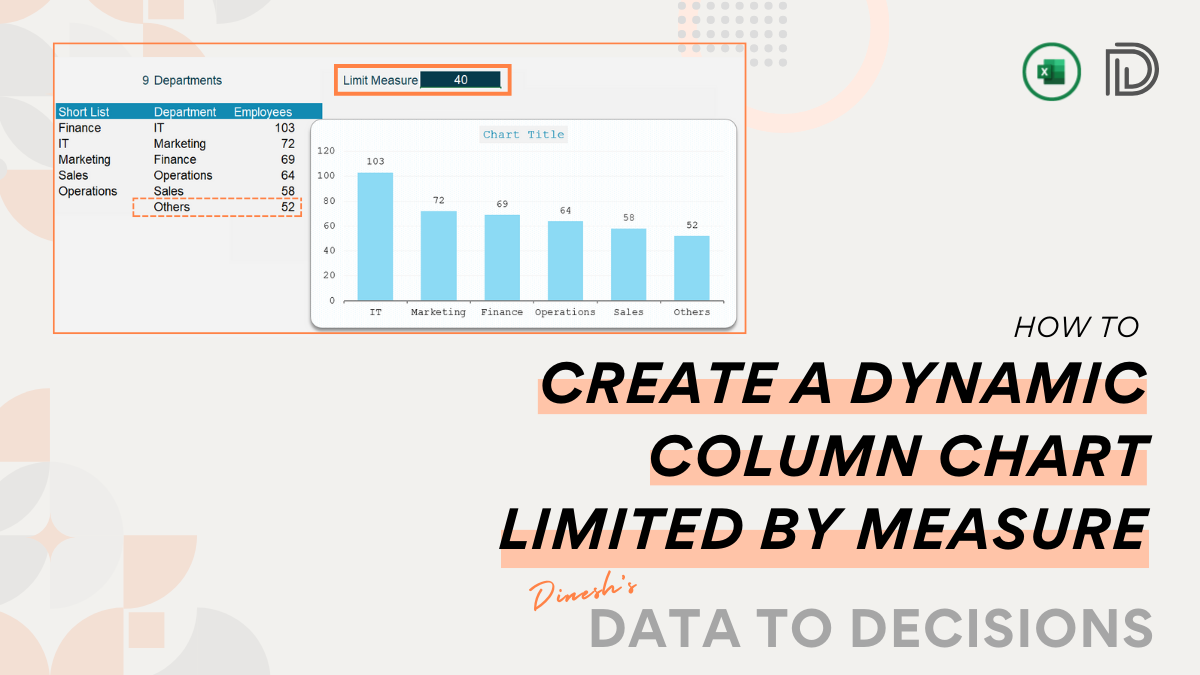
Create a Dynamic Column Chart Limited by a Measure Value in Excel
This blog delves into creating dynamic column charts with a specific focus: limiting the chart by a measure value. Discover the techniques to set…
-
How to Create a Dynamic Column Chart Sorted by Measure Value in Excel?
Explore a crucial enhancement for dynamic column charts: sorting by measure value through this blog post. Learn the art of creating charts in Excel…
-
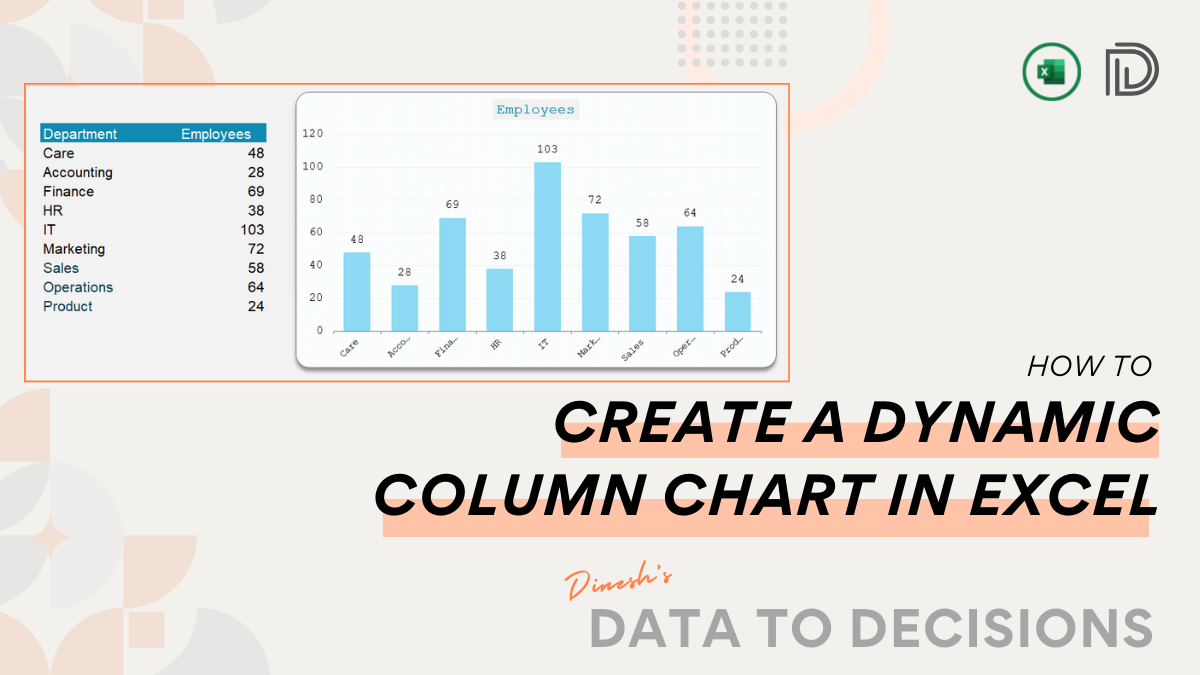
How to create a dynamic column chart in Excel?
Discover the step-by-step guide to creating dynamic column charts in Excel, a vital tool for data analysis and presentation.
-
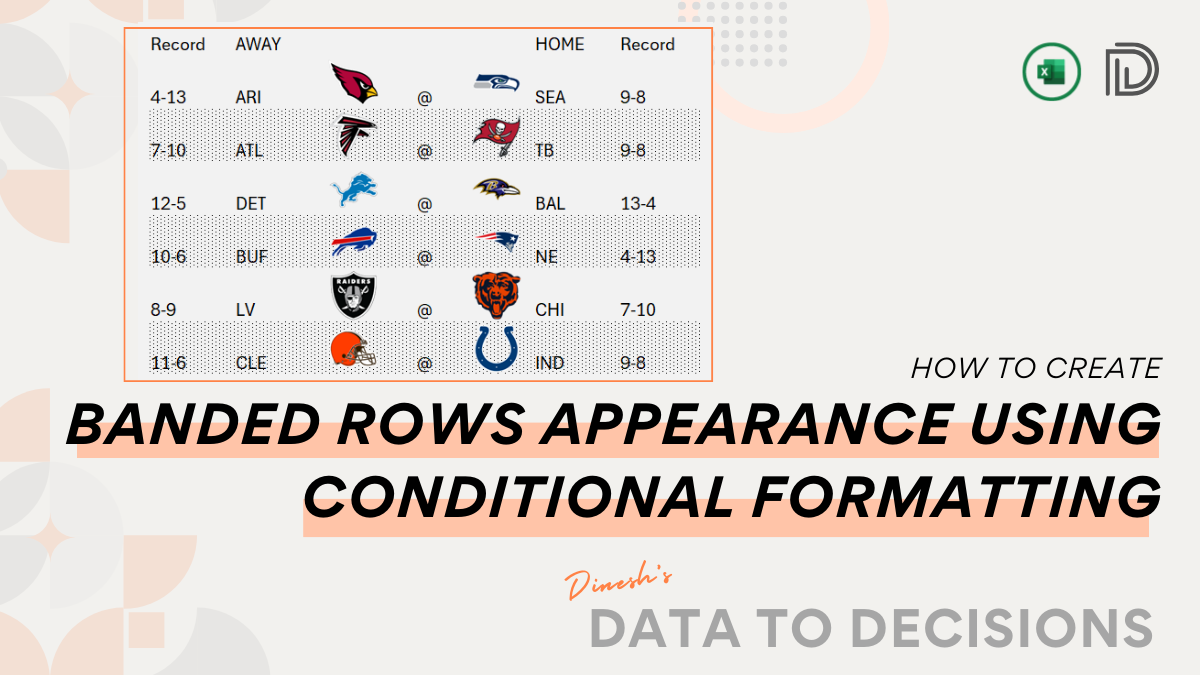
Create a Banded Row Appearance of a Report in Excel using Conditional Formatting.
Looking to create aesthetically pleasing, visually appealing reports in Excel? This blog post teaches you how to use conditional formatting to create a banded…
-
How to look up data using XLOOKUP in Excel?
XLOOKUP is a powerful and dynamic function that helps streamline the process of data retrieval in large datasets. Learn more about this function and…
-
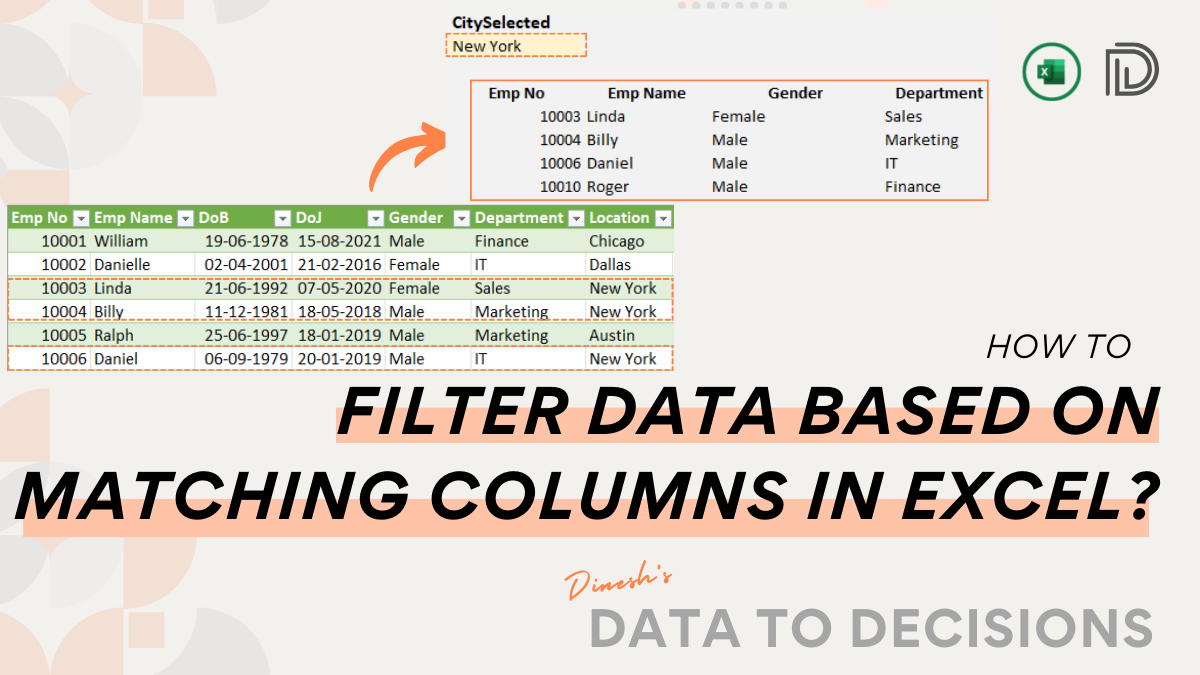
How to Filter Data Based on Matching Columns in Excel?
Learn to use one of Excel’s most popular, versatile, and powerful functions: FILTER to extract based on matching texts in a column. This post…
-
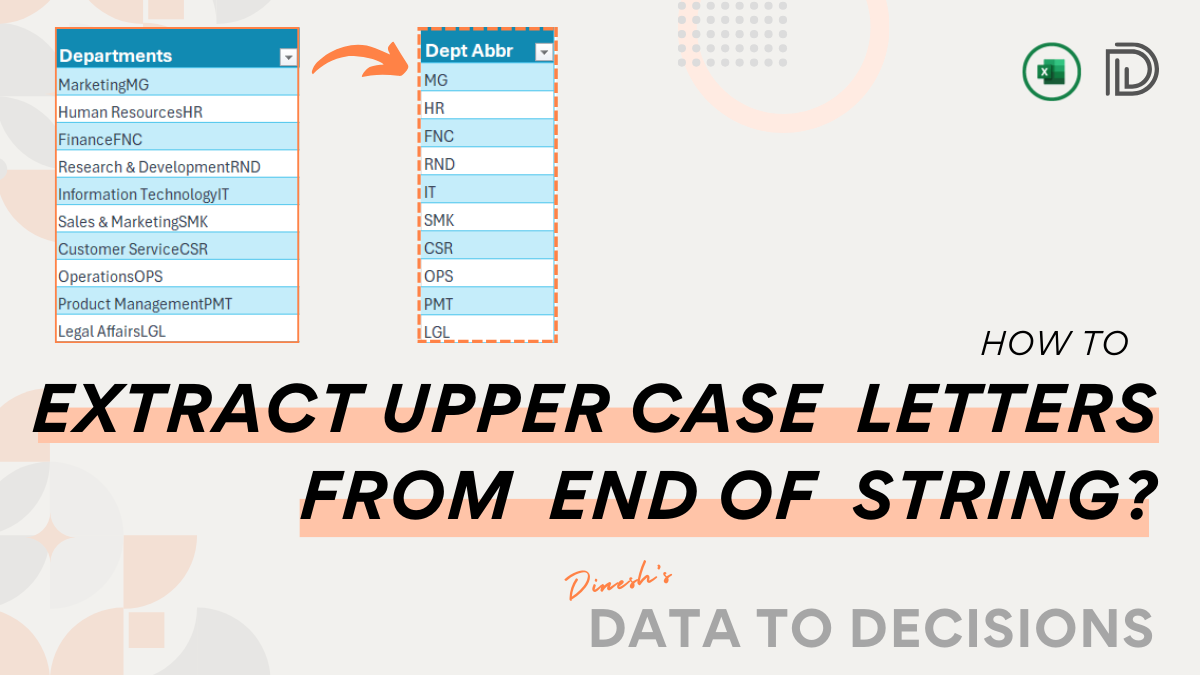
Learn to Extract only UPPER Case Letters from the End of a String.
By using Excel’s CODE function, learn the easiest method to extract only the upper case characters from the end of a text through this…