
FILTER
-

How to Filter Data using Multiple Conditions in Excel?
Learn how to use the dynamic and powerful Excel function: the FILTER function to filter your data based on multiple conditions.
-
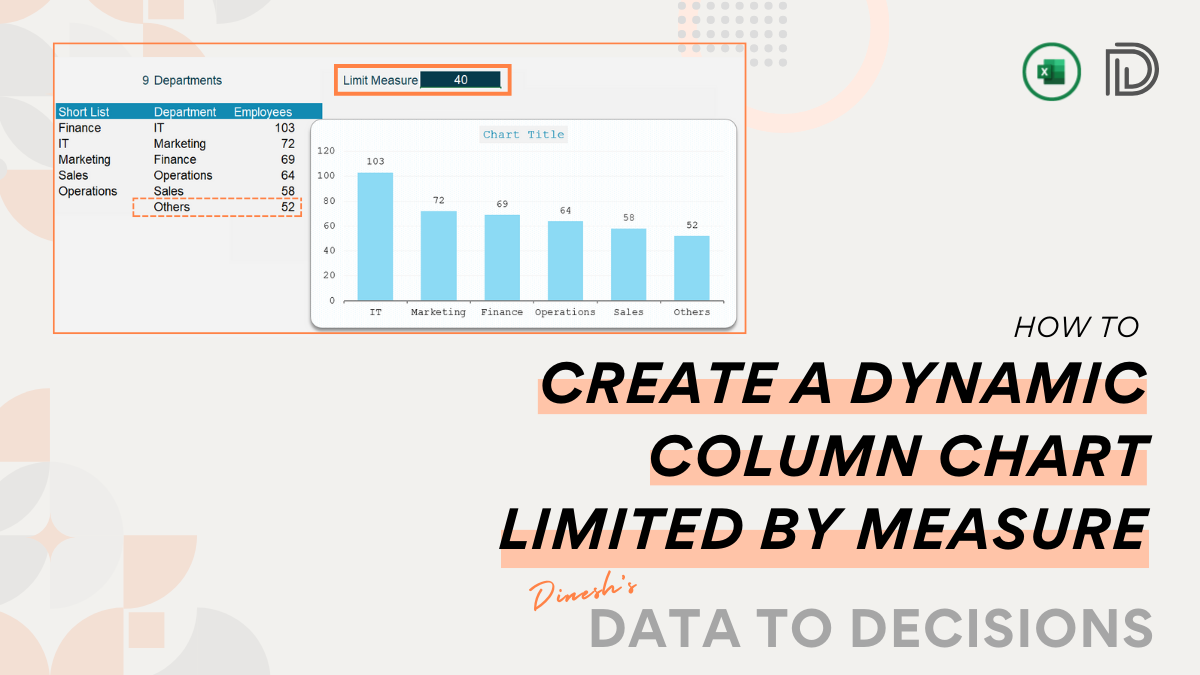
Create a Dynamic Column Chart Limited by a Measure Value in Excel
This blog delves into creating dynamic column charts with a specific focus: limiting the chart by a measure value. Discover the techniques to set…
-

How to Filter Data Based on Matching Columns in Excel?
Learn to use one of Excel’s most popular, versatile, and powerful functions: FILTER to extract based on matching texts in a column. This post…
-

How to filter non-adjacent columns of data in Excel using formulas?
This blog teaches you the simplest technique to extract data from an Excel table using the dynamic FILTER function. Learn how to get non-adjacent…
-

How to calculate Profitability by Product in Excel?
This post aims at using simple yet dynamic Excel functions to calculate the profitability by product when you have a list of transactions in…
-

How to Extract Top/Bottom N Values from Lists in Excel?
Learn to effortlessly extract the top or bottom N values from your lists in Excel with this post. Elevate your Excel skills and gain…
-

How to Compare Two Lists Using Formulas in Excel?
Discover the quickest and easy-to-follow technique to compare two lists in Excel using simple Excel functions in this post.
-

How to Skip Weekends and Generate only Working Days in Excel?
Using Excel’s simple yet powerful functions like WEEKDAY, SEQUENCE and FILTER, learn how to skip weekends and generate only working days
-

How to Generate Only a Specific Weekday in Excel?
Learn to generate a specific weekday of a week using simple Excel functions like WEEKDAY, FILTER and SEQUENCE from this post
-

Extract Duplicate Values in Excel
Learn how to quickly find duplicate values in Excel using a combination of UNIQUE, COUNTIF, and FILTER functions.